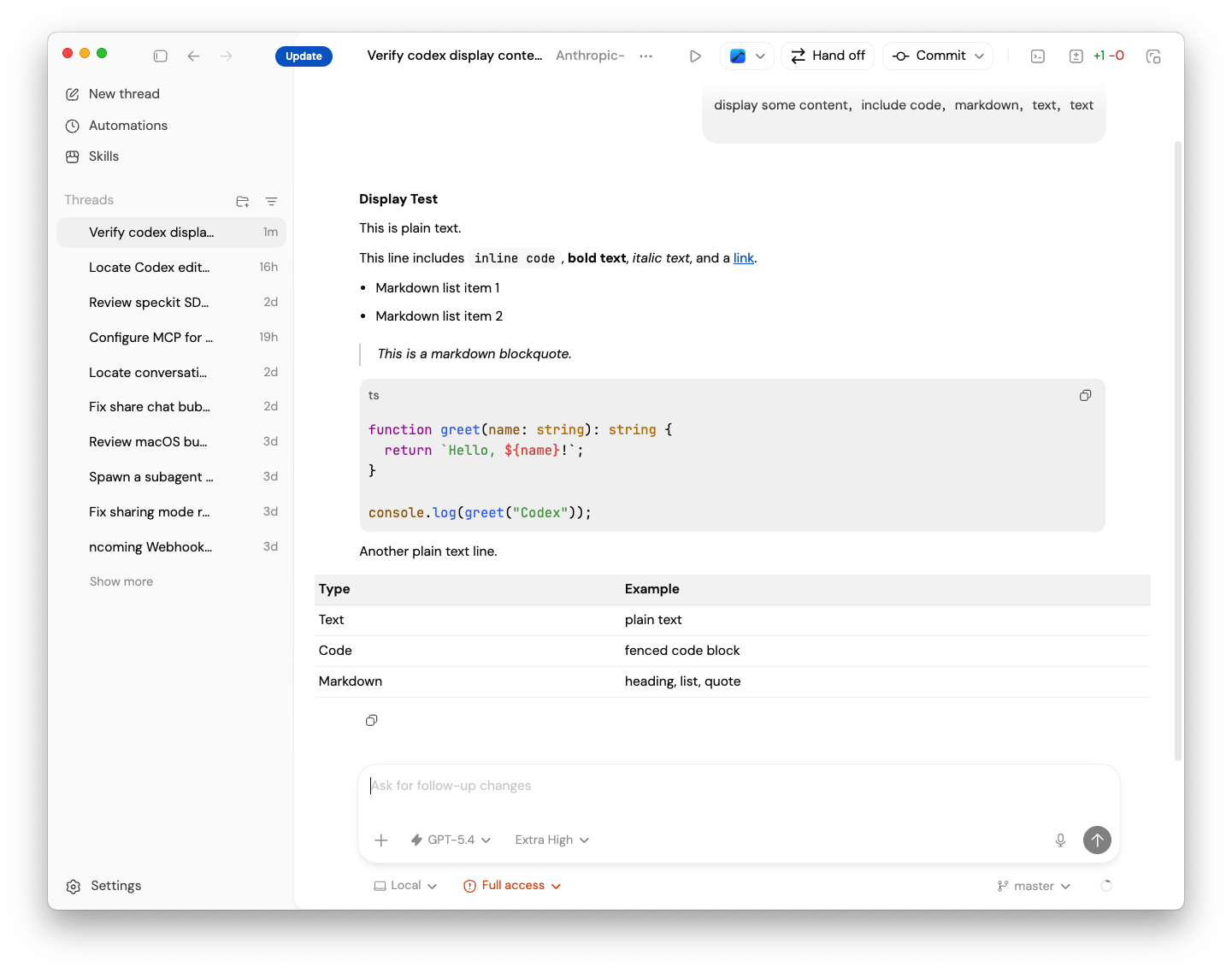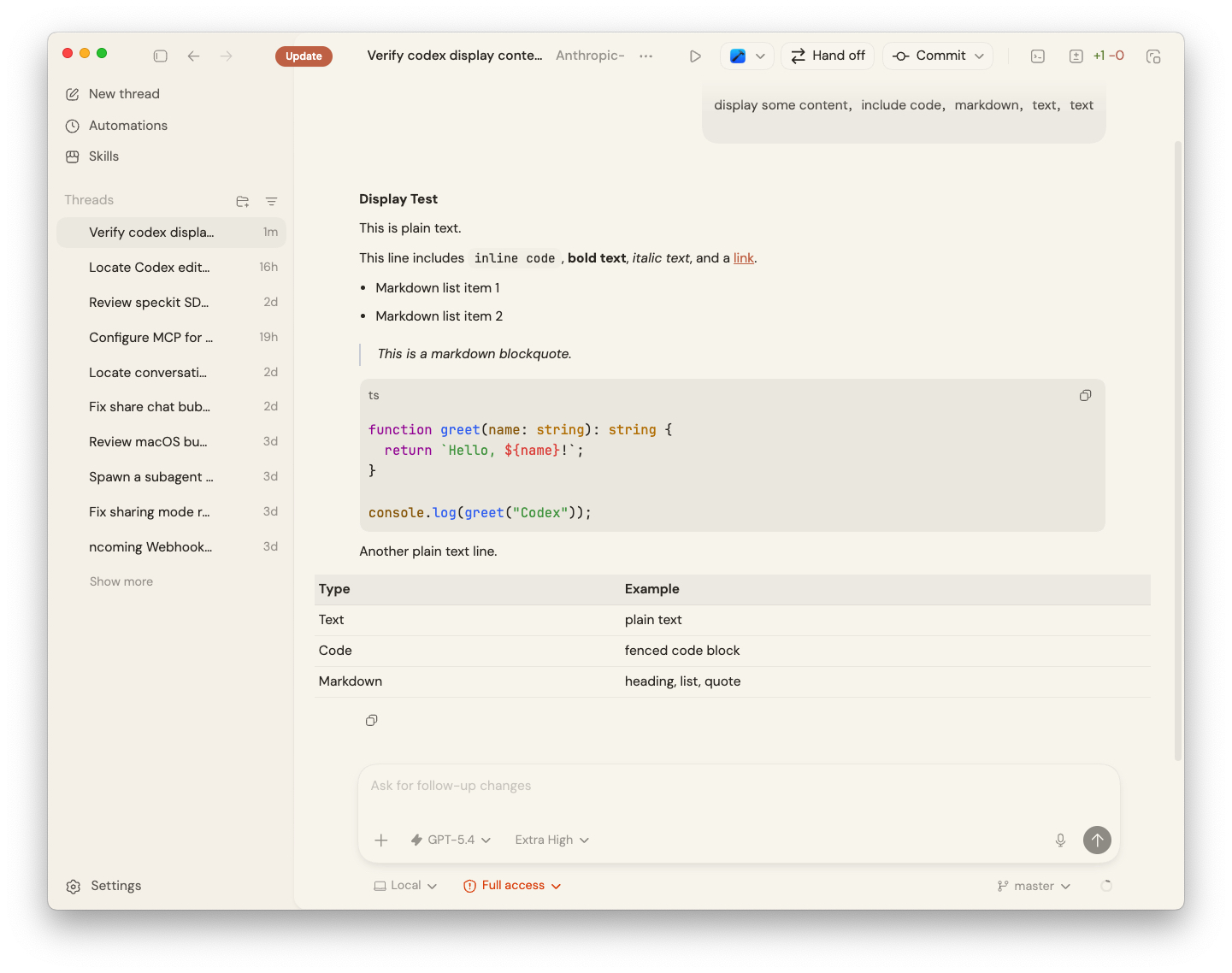
Make Codex feel
like Claude.
Warm ivory, soft copper, calm contrast. Copy one line, paste it into Codex, done. Nothing to install.
View on GitHub →Three steps, about ten seconds
- Pick a theme below and press Copy.
- Open Codex → Settings → Appearance → Import under Light or Dark Theme.
- Paste the line and confirm.
Themes
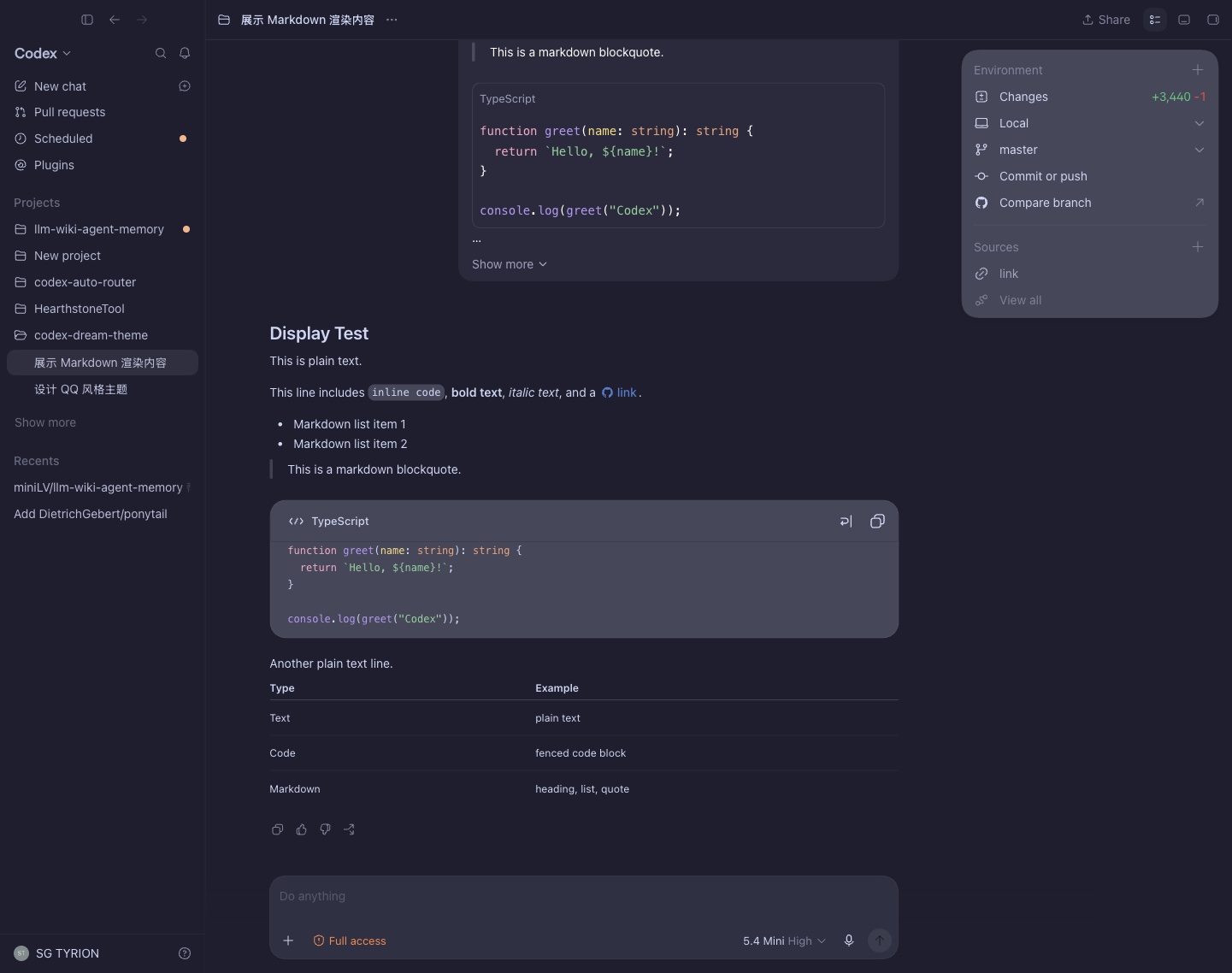
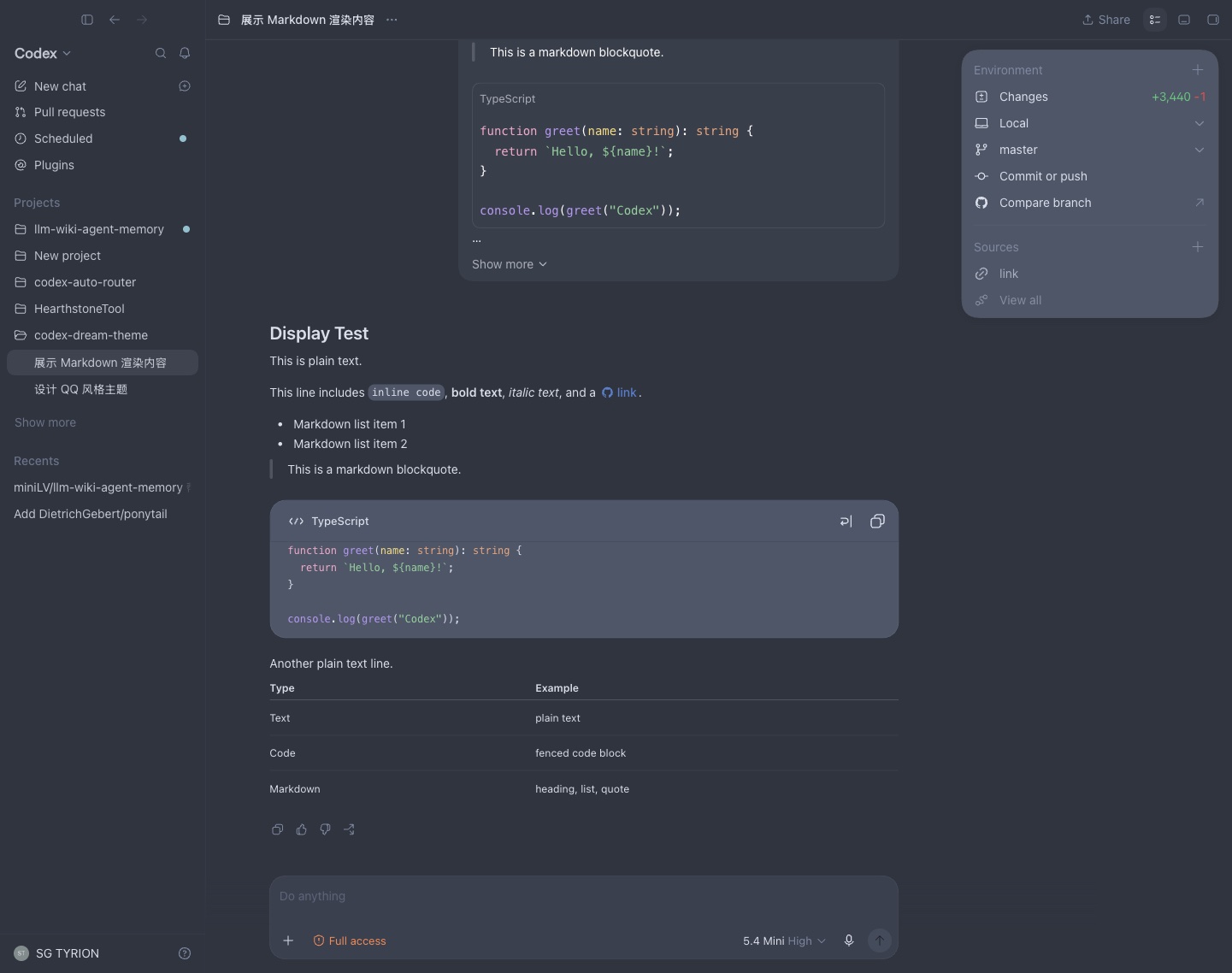
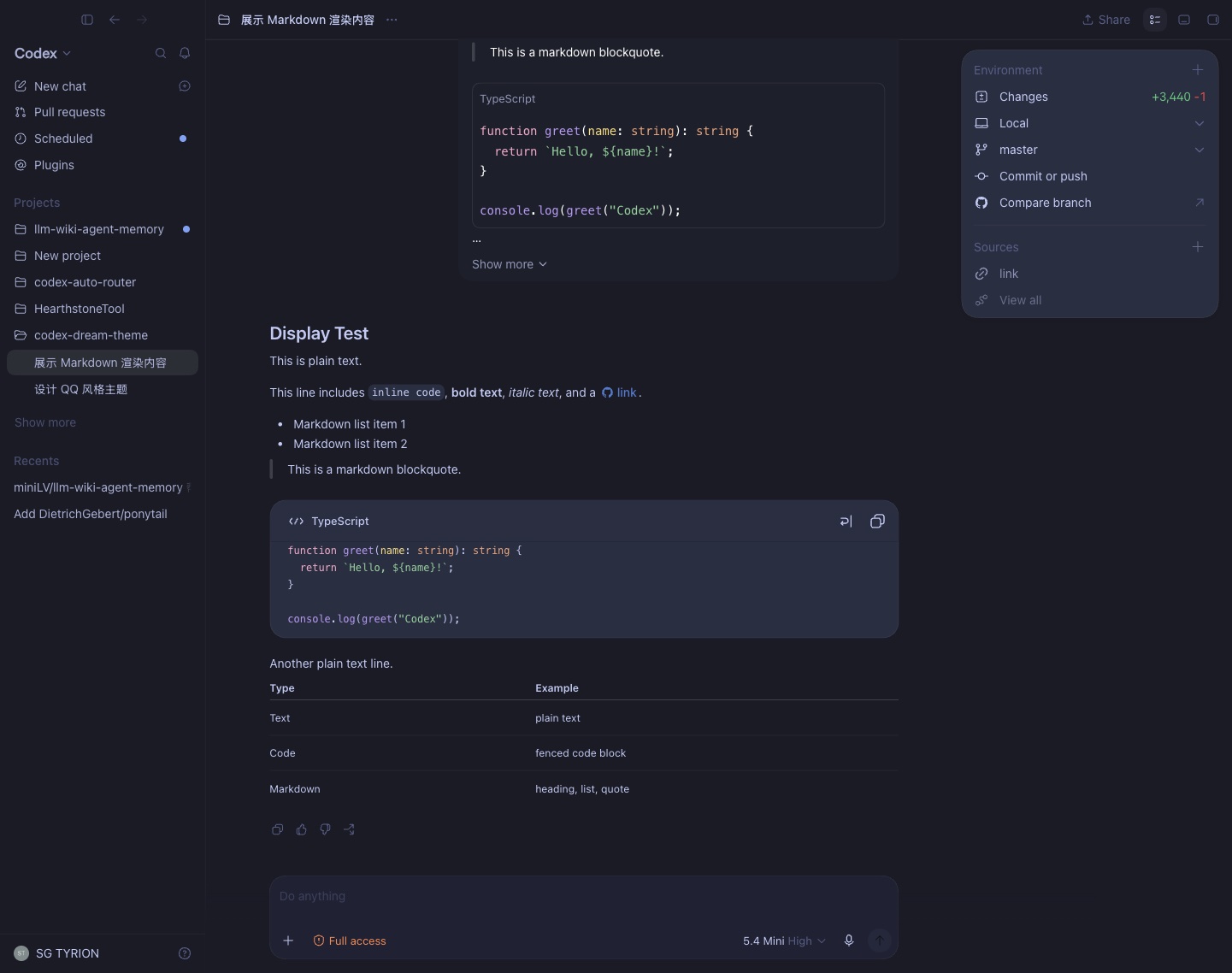
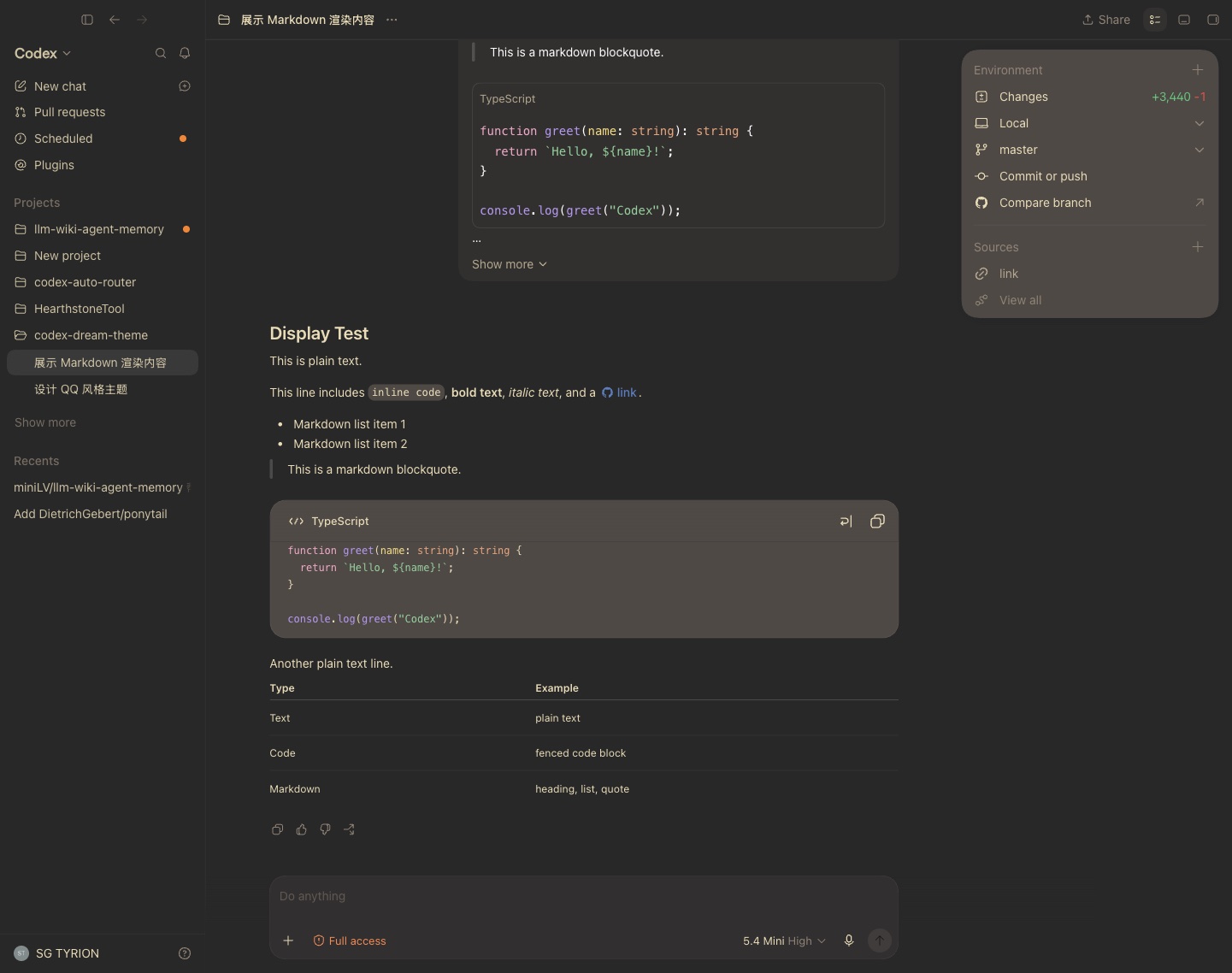
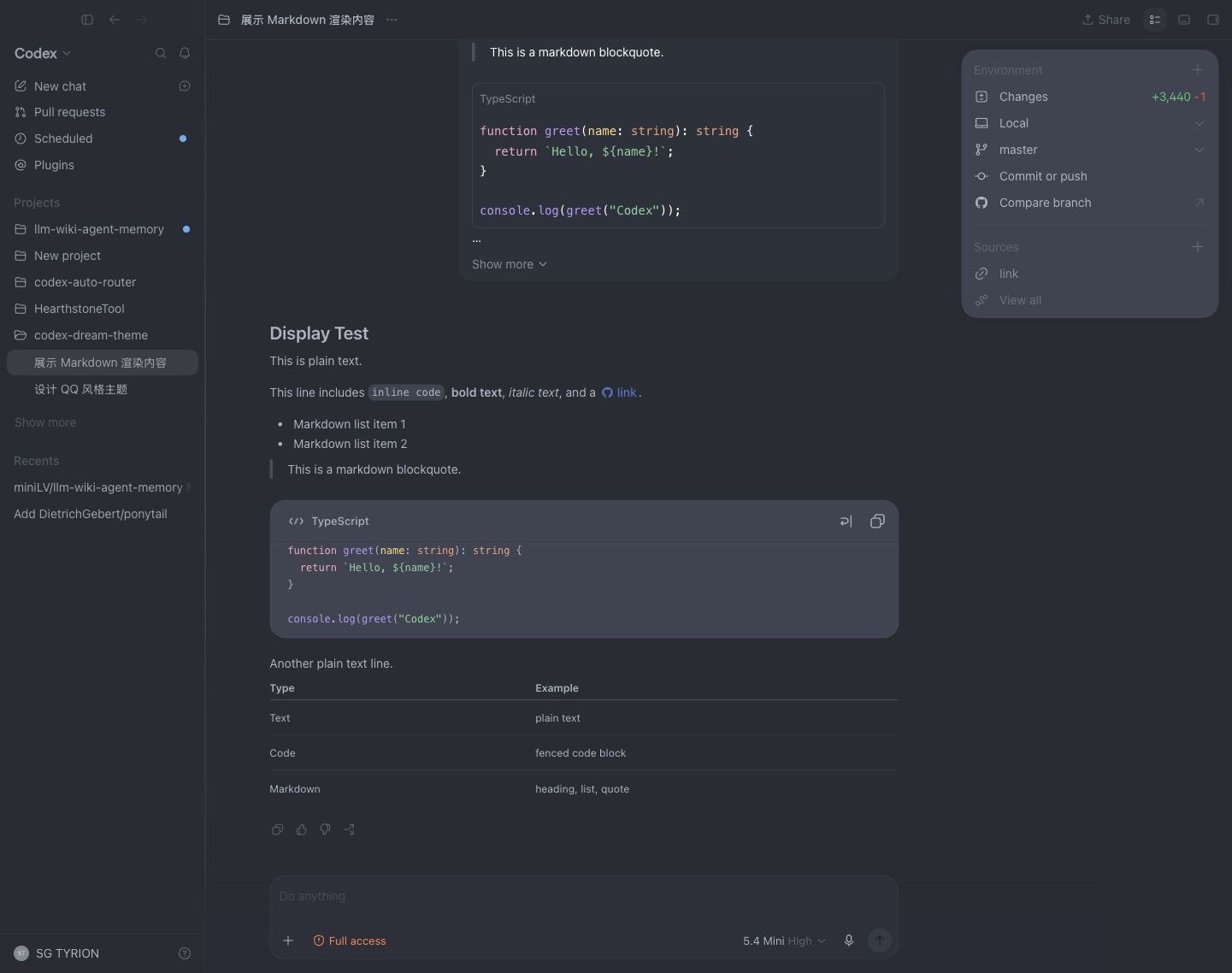
For the closest feel, install DM Sans and JetBrains Mono. System fonts work fine too.
Before and after